
Indoor Digital Signage
Freestanding, wall-mounted and video wall displays from 32 to 98 inches, specified for indoor light levels and installed across retail floors, lobbies, clinics and campuses. MetroClick builds, installs and supports both the hardware and the software behind it.
Trusted by industry leaders to power better customer experiences













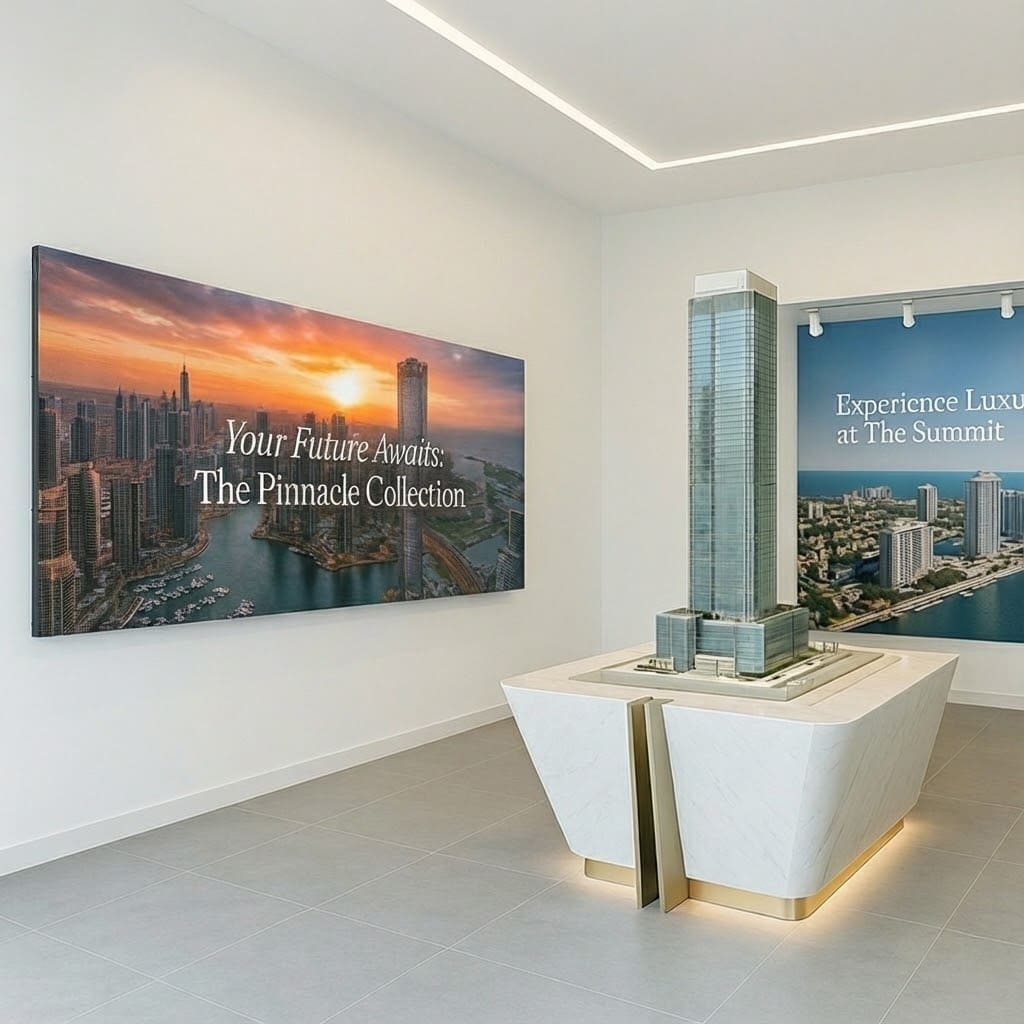
Freestanding Displays
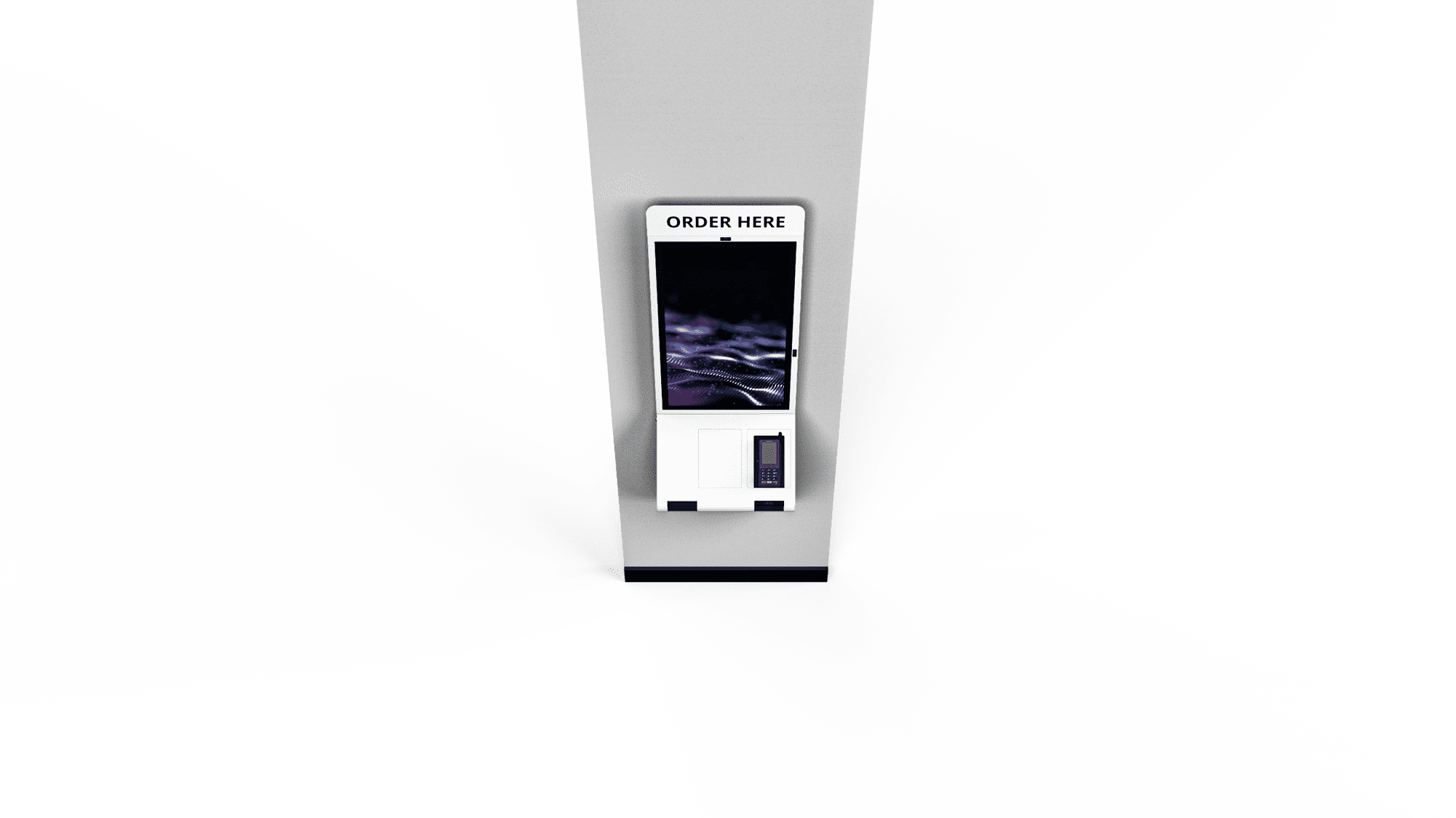
Wall-Mounted Panels
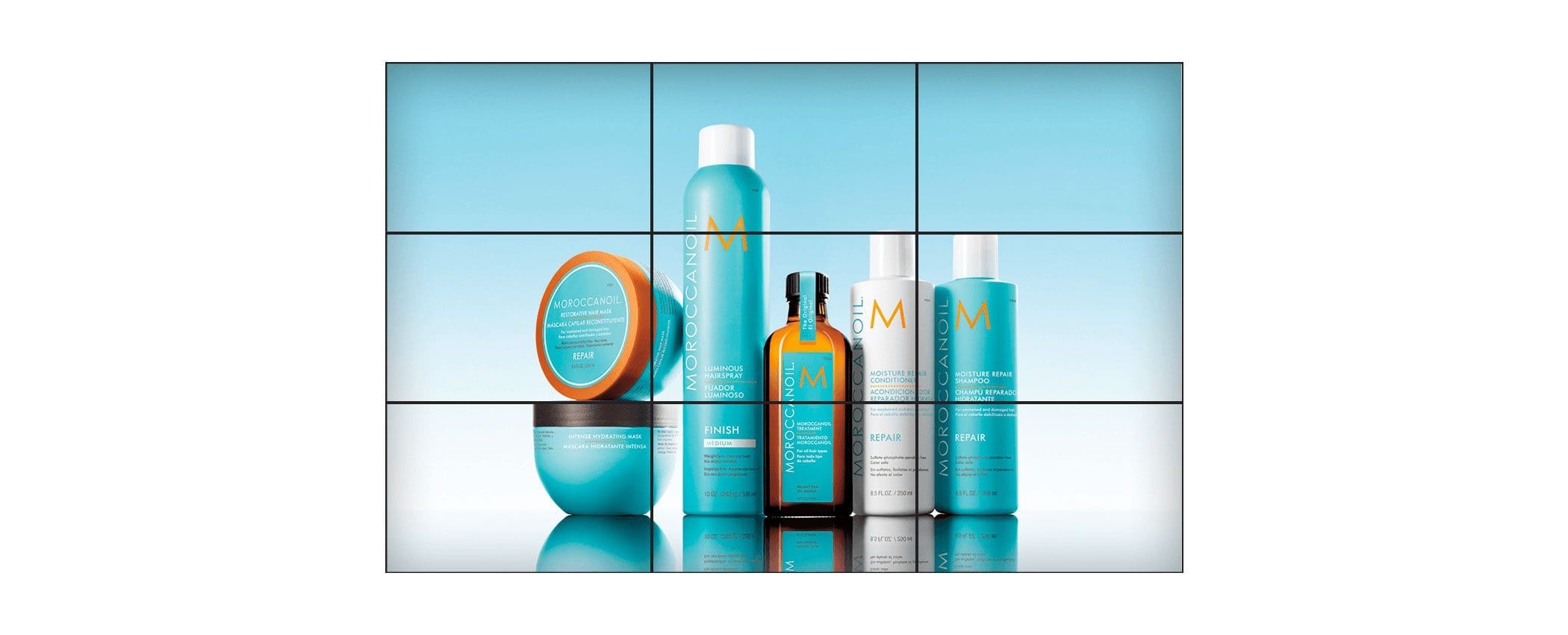
LED Video Walls
How to Specify an Indoor Digital Signage Display
Screen Sizes 32″ to 98″
32″–43″ for counters and tight corridors, 49″–65″ for general wayfinding and menu boards, 75″–98″ for lobbies and atriums where viewers stand further back. Video walls tile beyond that in any ratio.
Portrait or Landscape
Portrait suits wayfinding, directories and single-message promos in narrow spaces. Landscape suits menu boards, dashboards and anything with video. Most panels rotate, so the mount decides, not the display.
Touch or Non-Touch
Non-touch covers broadcast content and menu boards. Add touch for wayfinding, product lookup, check-in and directories — capacitive for responsiveness, infrared where gloves or styluses are in play.
Brightness for Indoor Light
350–500 nits is enough for controlled interior lighting. Atriums, glass-fronted lobbies and window-facing positions need 700–2,500 nits to stay readable against daylight.
Indoor Digital Signage by Environment
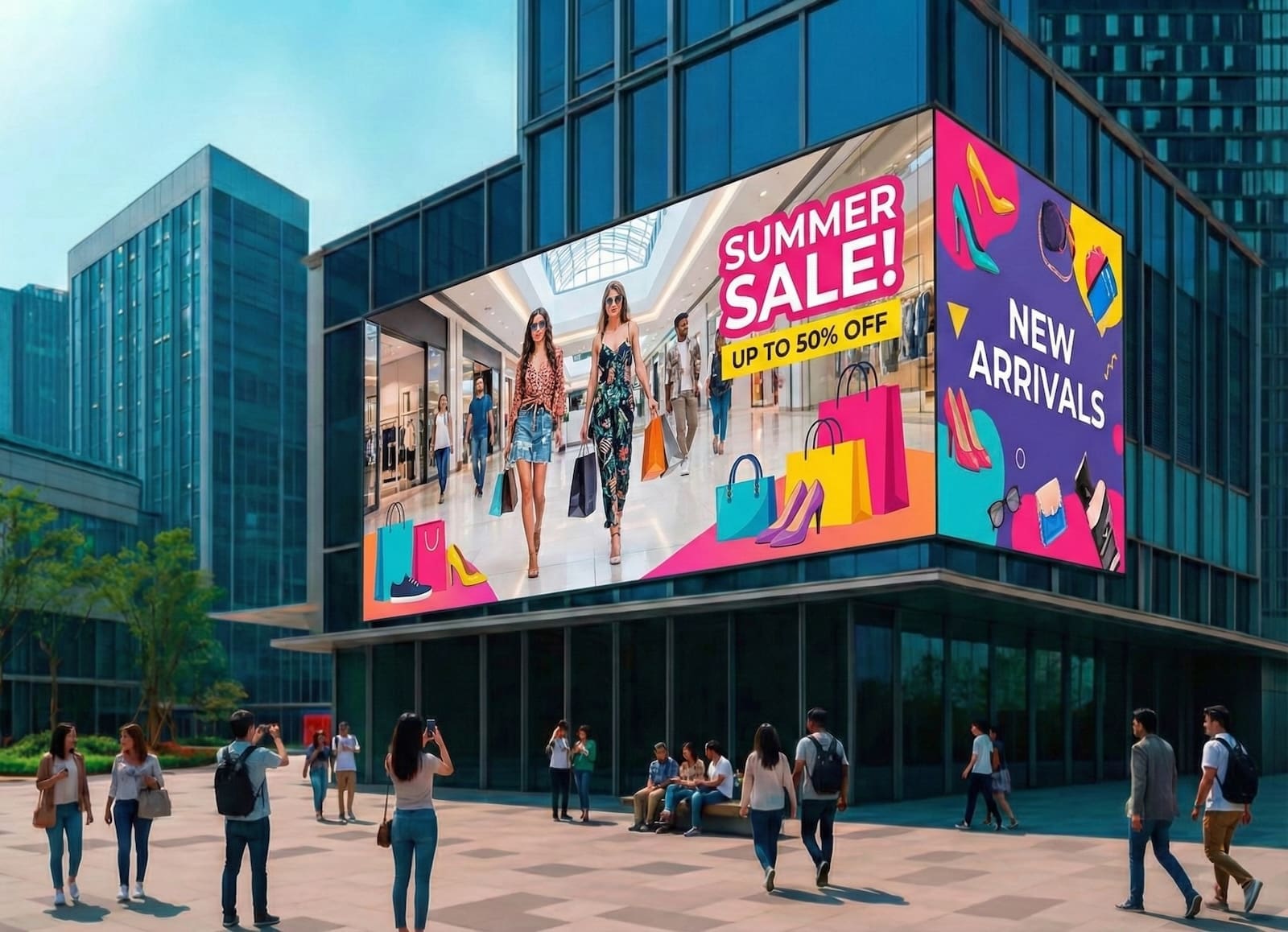
Retail Floors
Promote at the shelf edge
Window-facing screens pull from the street, endcap displays carry promotions, and touch panels handle product lookup without occupying a staff member.
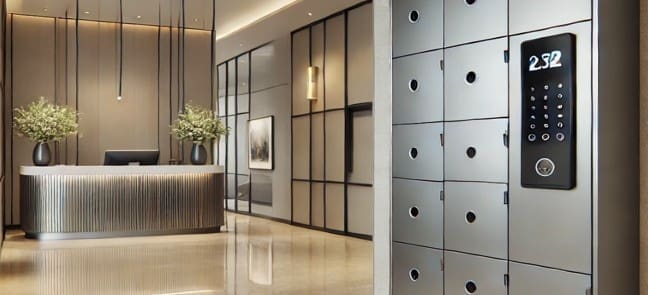
Corporate Lobbies
Orient visitors on arrival
Directories, meeting-room schedules and visitor check-in in the first ten feet, plus internal comms on the floors above.
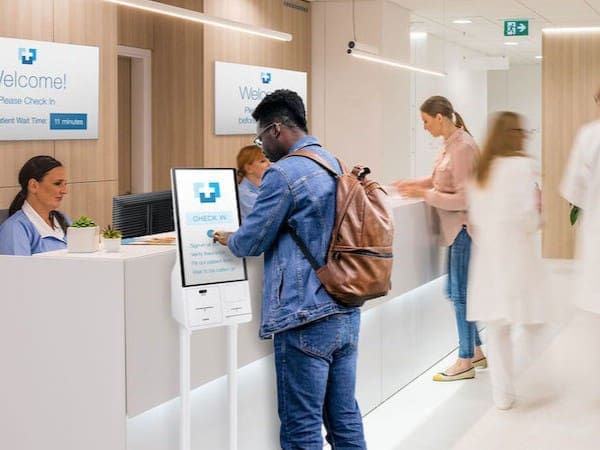
Healthcare and Hospitality
Reduce the questions at the desk
Queue calling, department wayfinding and multilingual guidance in clinics; arrivals, events and concierge information in hotels.
Content & Scheduling
Scheduling and Managing Indoor Screens
One screen is easy. Fifty across four buildings is where consumer-grade tools fall apart. Content should schedule by daypart, by location and by screen group, with a regional manager able to localise without touching the national playlist. Remote monitoring matters as much as content push — knowing a display went dark before someone walks past it and reports it is the difference between proactive support and a complaint.
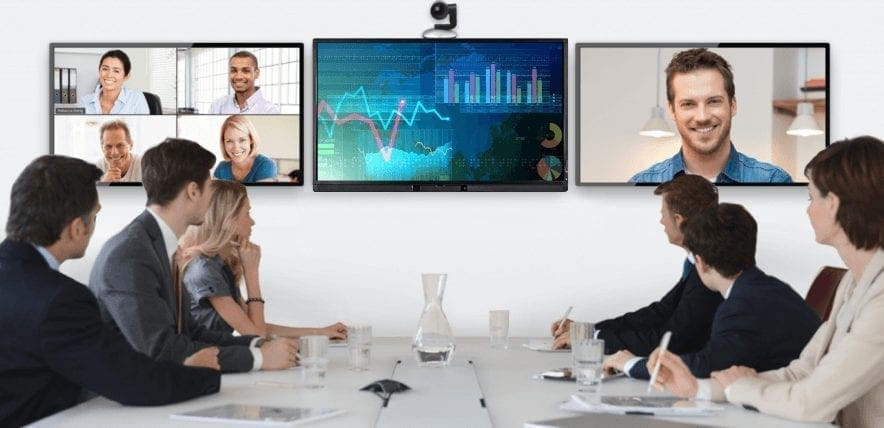
Related Display and Kiosk Options
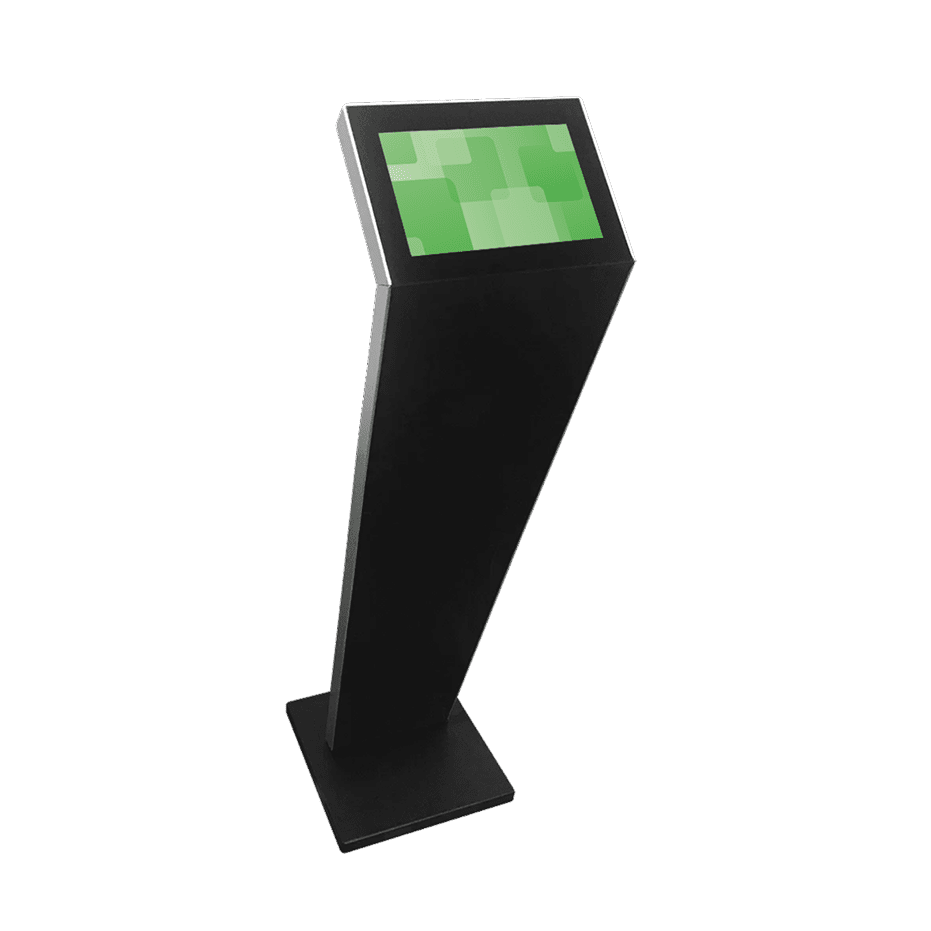
Retail Kiosks
Content Management
Weatherproof Displays
More Information
Indoor Digital Signage Formats and Mounting Options
Indoor digital signage covers a wider range of hardware than most buyers expect. The format decides the mount, the mount decides the cabling, and the cabling usually decides where the screen can actually go. Working the specification in that order saves a site revisit.
| Format | Typical sizes | Mounting | Touch | Common placement |
|---|---|---|---|---|
| Freestanding / floor-standing | 43″–65″ | Weighted base, no fixing | Optional | Lobbies, showrooms, walkways |
| Wall-mounted panel | 32″–86″ | VESA flat or tilt bracket | Optional | Corridors, waiting areas, menu boards |
| Ceiling-hung | 43″–55″ | Drop pole or cable suspension | No | Open floors, concourses, retail aisles |
| Video wall | Multi-panel, 2×2 upward | Pop-out wall frame | No | Atriums, keynote stages, flagship retail |
| Tabletop / counter | 15″–24″ | Desk stand or clamp | Usually | Reception desks, sales counters |
| Window-facing | 43″–75″ | Ceiling-hung or floor stand | No | Storefronts, street-facing glass |
Screen Sizes and Viewing Distance
Size follows viewing distance more than room size. A rough working rule is a minimum viewing distance of roughly 1.5× the screen diagonal for detailed content, and up to 6× for headline messaging. A 43″ panel reads well from about six to twenty feet, which suits a corridor or a counter. A 75″ or 86″ earns its cost in an atrium or a double-height lobby where people are standing thirty feet back.
Orientation is a content decision, not a hardware one — most commercial panels rotate and ship with a rotation-aware mount. Portrait suits directories, wayfinding and single-message promotions in narrow spaces. Landscape suits menu boards, dashboards, and anything carrying video or multi-column layouts.
Brightness, Placement and Ambient Light
Brightness is where indoor installs most often go wrong. Consumer televisions run around 250–350 nits, which looks fine in a controlled office and washes out completely in a glass-fronted lobby. Commercial indoor panels start around 350–500 nits for general interior use. Anywhere daylight reaches — atriums, ground-floor lobbies, anything within a few metres of glass — wants 700 nits or more, and true window-facing positions need 2,000–2,500 nits to compete with the street. Screens intended for genuine exterior conditions are a different product with a sealed enclosure and thermal management; those are covered under weatherproof displays.
Commercial panels also carry a duty cycle rating. A 16/7 panel suits retail hours; 24/7 is worth specifying for hospitals, transport hubs and anywhere the screen never sleeps.
Touch-Enabled Indoor Displays
Touch is worth adding where the screen replaces a conversation: wayfinding, product lookup, visitor check-in, room booking, self-service ordering. It is wasted on broadcast content. Projected capacitive is the default for responsiveness and multi-touch, supports up to 40 simultaneous points and reads through a glass overlay. Infrared suits environments where users wear gloves or use a stylus, and scales more affordably to larger sizes. Above 65″, touch adds meaningful cost, so it is worth confirming the interaction is real before specifying it. Larger interactive formats are covered under large touch screens.
Cabling, Power and Installation
Every indoor display needs power and a content path. The content path is either an internal media player, an external player, or a network feed to a system-on-chip panel. Wired ethernet is preferable to wi-fi anywhere uptime matters — a screen that drops off a guest network at 8am is a support call, not a signage system.
Recessed back boxes keep cabling invisible on wall-mounted installs, and are far easier to specify before the wall is finished than after. Floor-standing units need a floor box or a discreet skirting route. Video walls need a service gap and pop-out mounts so individual panels can be pulled without dismantling the array. Content scheduling, screen grouping and remote monitoring run through the content management system once the hardware is in.
Indoor Digital Signage FAQs
What brightness do I need for indoor digital signage?
350–500 nits is sufficient for controlled interior lighting such as offices, corridors and waiting areas. Lobbies with glass frontage or atrium daylight want 700 nits or more, and window-facing screens competing with direct sunlight need 2,000–2,500 nits.
What size screen works for a lobby?
It depends on how far back people stand. A single-height reception area is usually well served by a 55″ to 65″ panel. Double-height atriums and larger lobbies justify 75″ to 98″, or a video wall where the content needs to hold attention across the room.
Should indoor digital signage be portrait or landscape?
Portrait works best for directories, wayfinding and single-message promotions, especially in narrow spaces. Landscape suits menu boards, dashboards and video. Most commercial panels rotate, so the decision is driven by content and available wall space rather than the hardware.
Can indoor digital signage be touch-enabled?
Yes. Projected capacitive touch is standard up to about 65″ and supports multi-touch gestures; infrared is used for larger formats or where gloves and styluses are in play. Touch is worth adding where the screen replaces a staff interaction and unnecessary for broadcast-only content.
How is indoor digital signage mounted?
Wall-mounted panels use a VESA flat or tilt bracket, ideally with a recessed back box to conceal cabling. Freestanding units need no fixing at all. Ceiling-hung displays use a drop pole or cable suspension, and video walls use pop-out frames so individual panels stay serviceable.