
Digital Wayfinding Kiosks
Interactive directories and touch screen maps that route visitors through hospitals, campuses, offices and venues without staff intervention. MetroClick builds the kiosk, supplies the wayfinding software, and installs and supports both.
Trusted by industry leaders to power better customer experiences












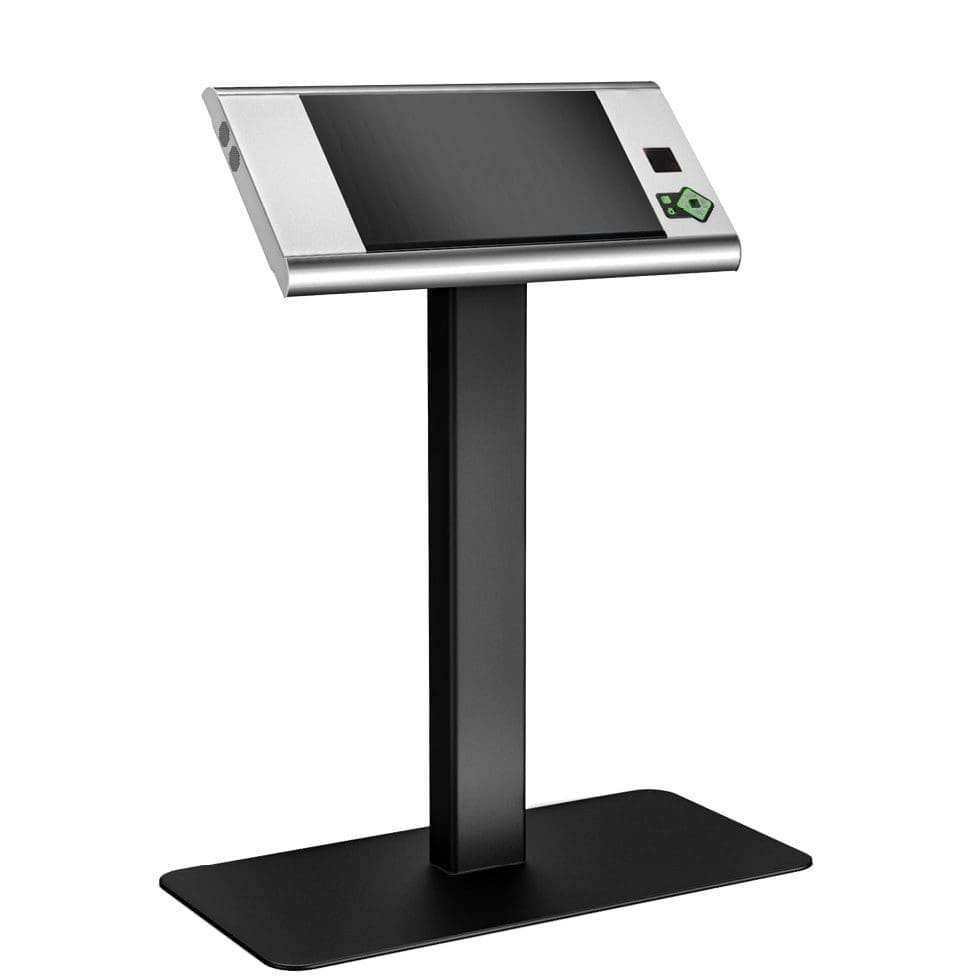
Freestanding Wayfinders
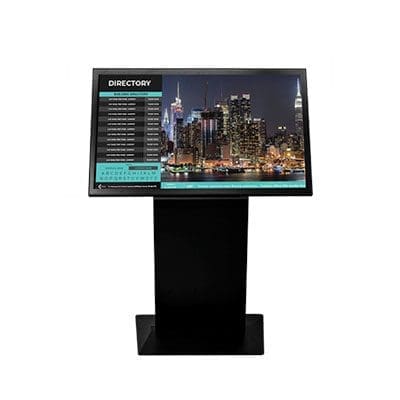
Interactive Directories
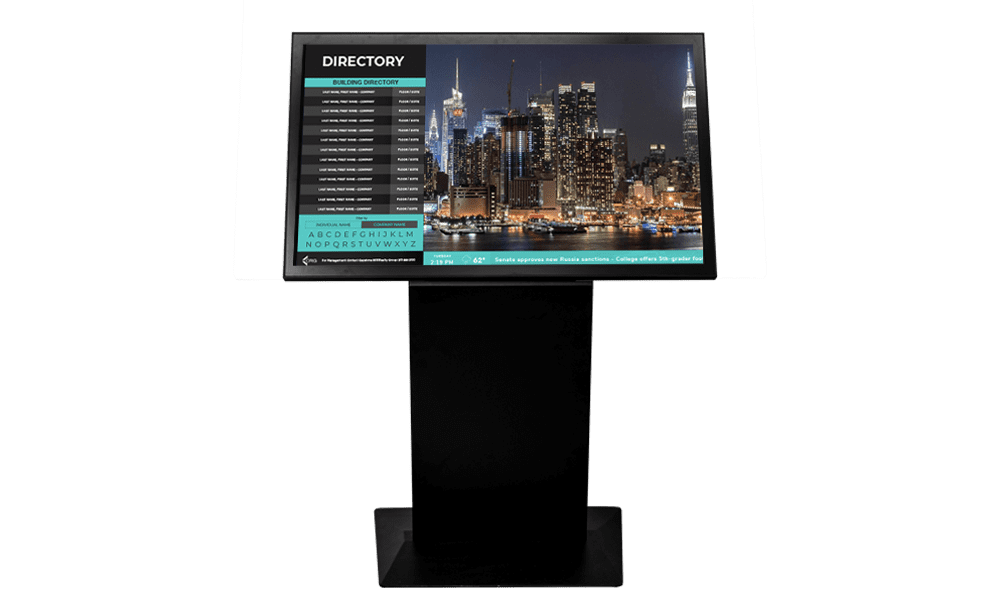
Wall-Mounted Displays
What Digital Wayfinding Does That a Printed Map Cannot
Turn-by-Turn Routing
A visitor selects a destination and gets a highlighted path from where they are standing, not a static floor plan they have to orient themselves against.
Changes Without Reprinting
Tenants move, departments relocate, rooms get renamed. Updating a digital directory takes minutes across every screen; updating printed boards means a sign order and an installer.
Accessibility Built In
Reachable touch zones, high-contrast modes, larger type on demand and multi-language switching — the things a fixed sign cannot offer the person who needs them.
Data on What People Look For
Search terms and destination taps show which departments people cannot find, which is usually the fastest route to fixing the physical signage too.
Digital Wayfinding by Environment

Hospitals and Clinics
Cut the questions at reception
Department routing, clinic check-in and multi-building campuses where a wrong turn means a missed appointment. Multi-language support matters more here than anywhere.
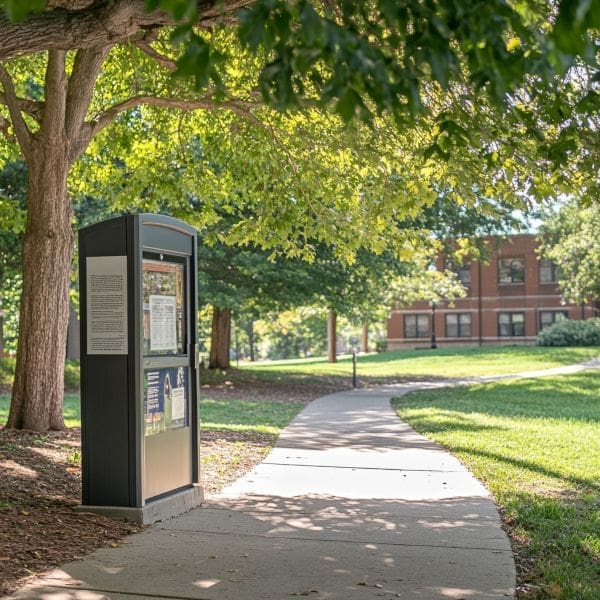
Campuses and Education
Orient visitors and new students
Building directories, event routing and open-day navigation across sites that are confusing by design and change every semester.

Offices and Venues
Lobby directories that stay current
Tenant directories, meeting-room routing and visitor check-in in buildings where the tenant list changes more often than the signage budget allows.
Wayfinding Software
Updating Maps Without Calling a Sign Company
The kiosk is the easy part. What decides whether a wayfinding deployment still works in year three is who can update it. Floor plans, tenant lists, department names and room numbers all drift, and if changing them requires a vendor ticket they simply stop being changed. Our wayfinding runs on the same content platform behind the rest of our screens, so a facilities manager can move a department, rename a suite or add a building and push it to every kiosk on site in minutes — with role-based permissions so a site coordinator cannot overwrite the campus-wide map.

Related Kiosk and Display Options
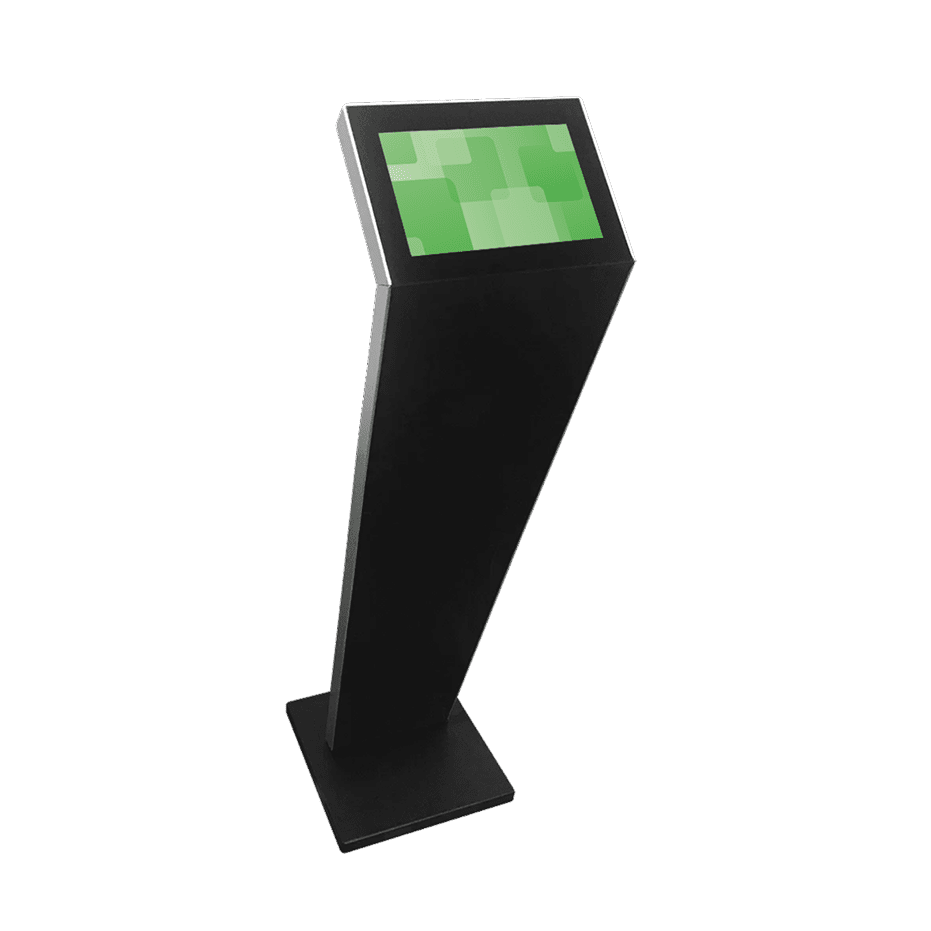
Self-Service Kiosks
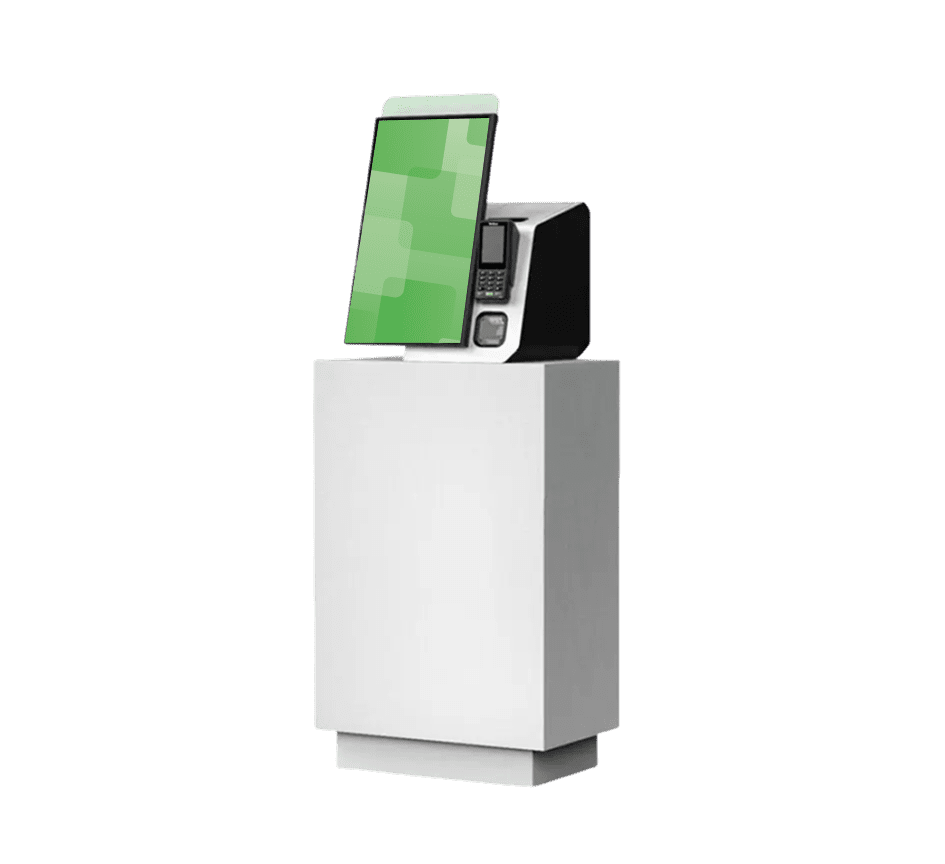
Large Touch Screens
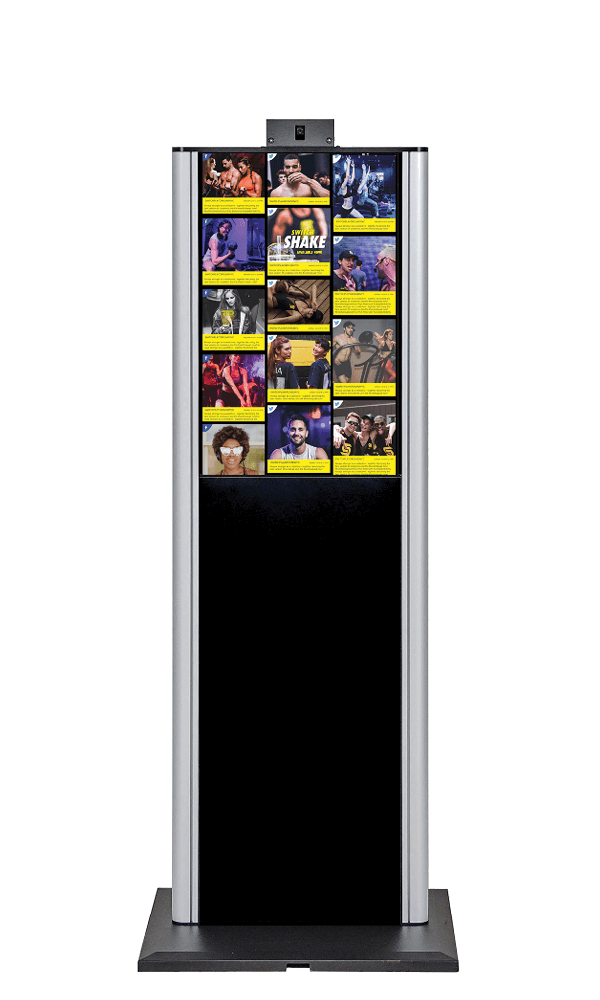
Software Platform
More Information
What Is Digital Wayfinding?
Digital wayfinding replaces a fixed directory board with an interactive screen that can route a person from where they are standing to where they need to be. A visitor searches or browses for a destination — a department, a suite number, a tenant, a lecture theatre — and the kiosk highlights the path, usually with floor changes, lift or stair options and an estimated walking time.
The difference from printed signage is not the display. It is that the information behind it can change. Tenants move, clinics relocate, rooms get renumbered, and every one of those changes makes a printed board slightly wrong until someone budgets to reprint it. A digital directory is edited once and correct everywhere.
How Digital Wayfinding Works
A wayfinding interaction is short and mostly invisible to the user. Someone touches the screen and the attract loop gives way to a directory. They search a name or browse a category. The system looks that destination up in a database, finds the visitor’s current kiosk as the starting point, and asks a routing engine for the shortest sensible path between the two — accounting for floor changes, one-way corridors and, where requested, step-free routes.
The result is drawn onto a map layer and animated, usually with a step list beside it. Nothing about that flow depends on the internet at the moment of use: a well-built kiosk holds its map and destination data locally and syncs changes in the background, so a network outage degrades updates rather than the service itself. That distinction matters in hospitals and transport hubs where the screen has to work regardless.
Core Components of a Wayfinding System
Five parts have to work together, and buyers are usually quoted on the first one only.
The display and enclosure is what people see — a commercial touch panel rated for continuous public use. The media player drives it, either embedded in the panel or as a separate device, and determines how the estate is updated and monitored. The map layer is the routable floor plan, which is not the same thing as an architect’s drawing and usually has to be built from one. The destination database holds every room, tenant, department and alias people might search for. The content management system ties it together and decides who can change what.
The map layer and destination database are where projects slip. Hardware arrives on schedule; converting floor plans into routable maps and reconciling three different lists of room names does not. Worth scoping honestly at the start.
Wayfinding Kiosk Hardware
Most deployments use one of three formats. Freestanding wayfinders sit in a lobby or concourse where people arrive and need orienting, typically 43″ to 55″ in portrait. Wall-mounted directories suit corridors and lift lobbies where floor space is tight. Larger interactive panels, 65″ and up, work where a building wants one authoritative map that groups can gather around.
Touch matters more here than on broadcast digital signage, because the entire value is interaction. Projected capacitive is the sensible default for responsiveness and multi-touch. Reachability is a real design constraint: interactive elements need to sit within reach of a seated user, not just a standing one. Enclosures should be serviceable from the front where the kiosk sits against a wall.
Wayfinding Software and Map Management
The software is what people underestimate. A wayfinding system needs a map layer, a destination database, and a routing engine that understands floors and accessible paths — and then it needs an editing interface a facilities team will actually use. Systems that require CAD files and a vendor ticket for every change go stale within a year.
Integration is usually where the value compounds. Room booking systems, tenant databases, HR directories and event schedules all hold destination data already, and pulling from them beats maintaining a second list by hand. Scheduling and permissions run through the same content management system as the rest of the estate.
Real-Time Updates and Instant Changes
The practical advantage of a digital directory shows up on the days something changes. A corridor closes for maintenance, a clinic moves floors for a week, a conference reassigns every breakout room overnight. Each of those makes printed signage actively misleading, and each is a few minutes of editing in a digital system.
Routing can respond to conditions as well as content. A closed corridor can be excluded so the system routes around it rather than into it. Temporary destinations — a vaccination clinic, an exam hall, a pop-up registration desk — can be published for a date range and expire on their own. Where a building already runs room booking or event software, those changes can flow through automatically instead of waiting for someone to remember.
Mobile Handoff and QR Codes
The limitation of any kiosk is that it stays where it is. A visitor gets their route at the lobby screen and then walks away from the only thing showing it. A QR code on the results screen closes that gap: scanning it hands the same route to the visitor’s phone, so the directions travel with them.
This is worth specifying deliberately rather than assuming. It should carry the route, not just a link to a homepage, and it should work without asking anyone to install an app — a mobile web page is enough and removes the single biggest point of drop-off. For venues that do run an app, the same destination data can feed both.
Where augmented reality fits. AR wayfinding — a phone camera overlaying directional arrows on the live view — is being trialled in large venues like airports and hospitals. It runs on the same underlying map and destination data a kiosk system maintains, which makes a well-structured wayfinding deployment a prerequisite for it rather than an alternative to it. MetroClick builds the kiosk, map and data layer; AR overlays are typically delivered through a venue’s own app using that data.
Accessibility and ADA Considerations
Interactive wayfinding can serve accessibility better than static signage, but only if it is specified for it. Reachable controls, high-contrast display modes, adjustable text size, screen-reader or audio output, and accessible-route options that avoid stairs are all things a touch kiosk can offer and a printed board cannot. Multi-language switching belongs in the same category — in a hospital it is often the single feature that reduces the most confusion.
Worth being clear: a digital kiosk does not remove the requirement for compliant permanent signage. Room identification, exits and statutory signs remain physical. Digital wayfinding supplements that layer; it does not replace it.
Measuring Whether It Works
Because interactions are logged, a wayfinding system tells you what people are looking for and failing to find. Search terms with no result, destinations tapped repeatedly, and dwell time at a screen are all diagnostic. The most common practical outcome is not a software change at all — it is discovering that a physical sign is missing or wrong at a particular junction. Reporting and analytics covers uptime and usage across a multi-kiosk estate.
Digital Wayfinding FAQs
How much does a wayfinding kiosk cost?
Cost is driven by screen size and count, enclosure type, whether the map and destination data need building from scratch, and how much systems integration is involved. A single lobby directory and a twelve-kiosk hospital campus with accessible routing are very different projects, so we scope per site rather than quoting a flat figure.
How do wayfinding kiosks handle multi-floor navigation?
The routing engine treats floors as connected levels rather than separate maps, so a route can cross between them using lifts, stairs or escalators. Where a step-free path is requested, stairs are excluded and the route is recalculated through lifts only. Each leg is shown separately so the visitor knows which floor they are on at each stage.
Can wayfinding kiosks integrate with mobile devices?
Yes. A QR code on the route screen hands the directions to the visitor’s phone so they travel with them, and it should work through a mobile web page rather than requiring an app install. Where a venue already runs its own app, the same destination and map data can feed both.
Can staff update the directory themselves?
Yes, and this is the question worth pressing any vendor on. Destination names, tenant lists and room assignments should be editable by a facilities or marketing user through a browser, with permissions controlling who can change what. If updates require the vendor, the system will drift out of date.
Is digital wayfinding ADA compliant?
A kiosk can be specified to support accessibility — reachable controls, high contrast, adjustable text, audio output and step-free route options. It does not replace required permanent signage such as room identification and exit signs, which remain physical. Treat digital wayfinding as an accessibility improvement layered on top of compliant signage, not a substitute for it.
What analytics do wayfinding systems provide?
Search terms, selected destinations, session counts, time of day and screen uptime. The most useful output is usually the failed searches — the destinations people look for and cannot find — which often points at a missing or wrongly worded physical sign rather than a software problem.