
Trade Show Kiosks Built for the Show Circuit
MetroClick designs, builds and supports interactive trade show kiosks that carry your branding and your content from one show to the next. Order once, then redeploy the same hardware booth after booth while your team updates the screen from a laptop between events.

Trusted by industry leaders to power better customer experiences












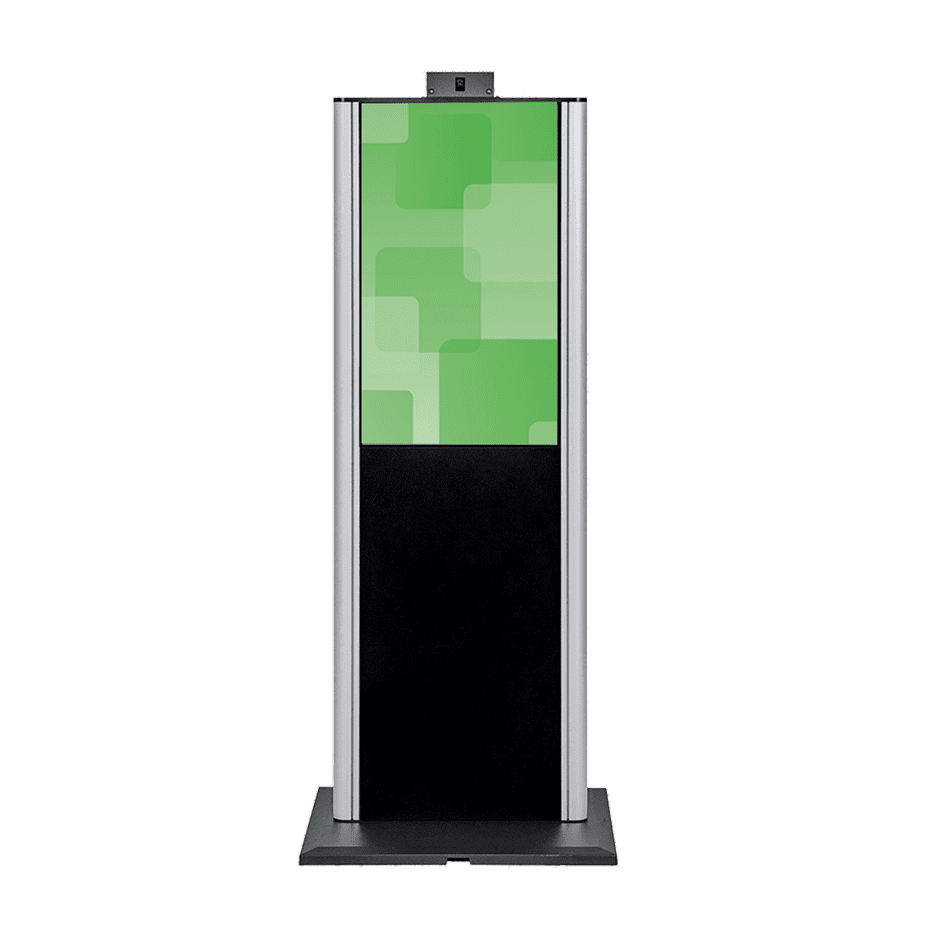
Upright Kiosks
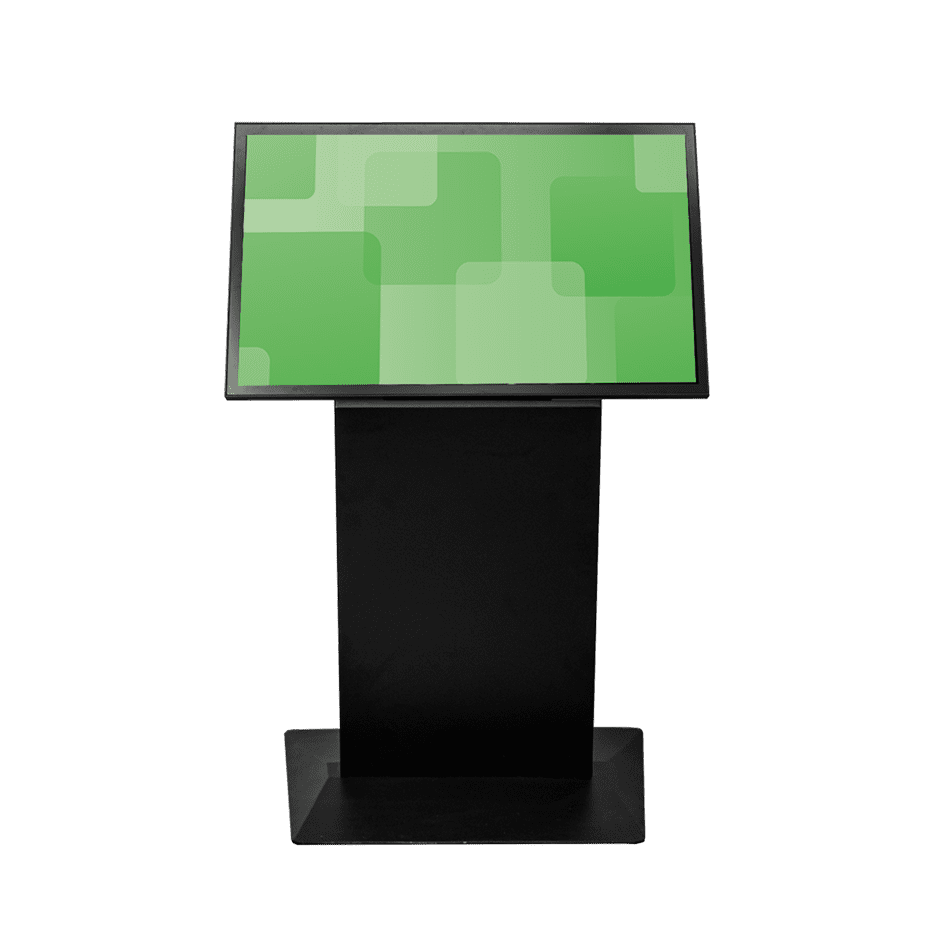
Landscape Kiosks
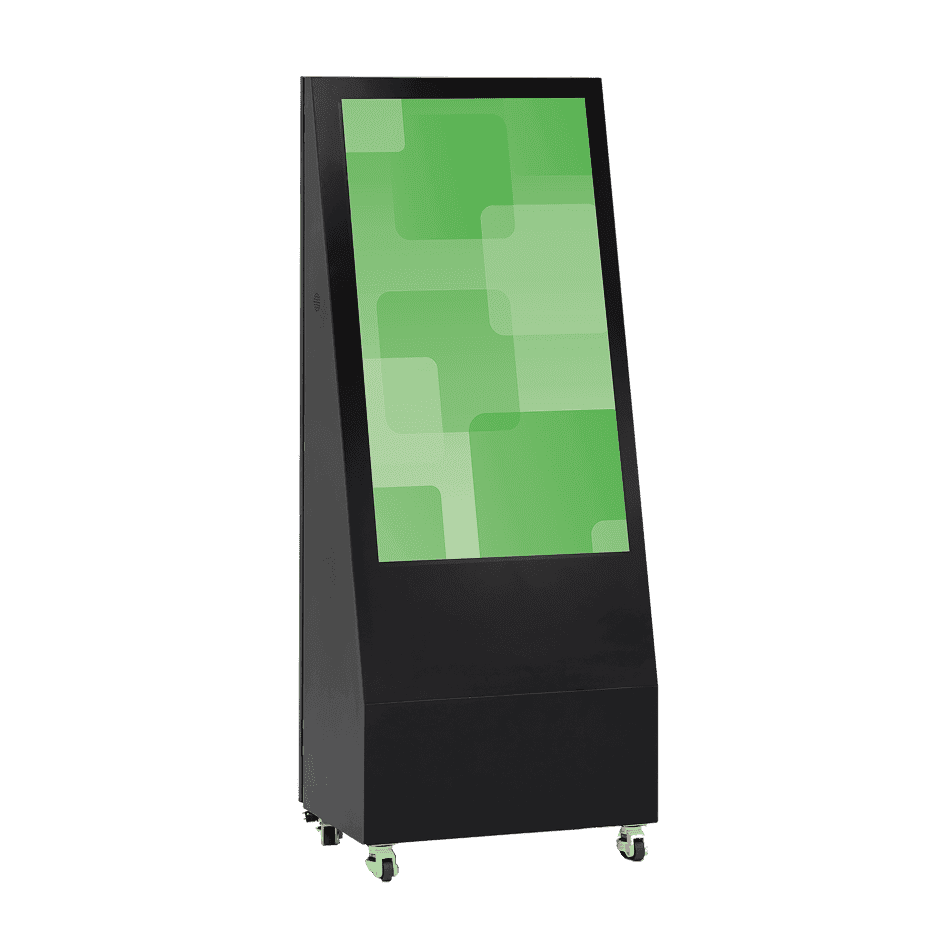
A-Frame Kiosks

Outdoor Kiosks
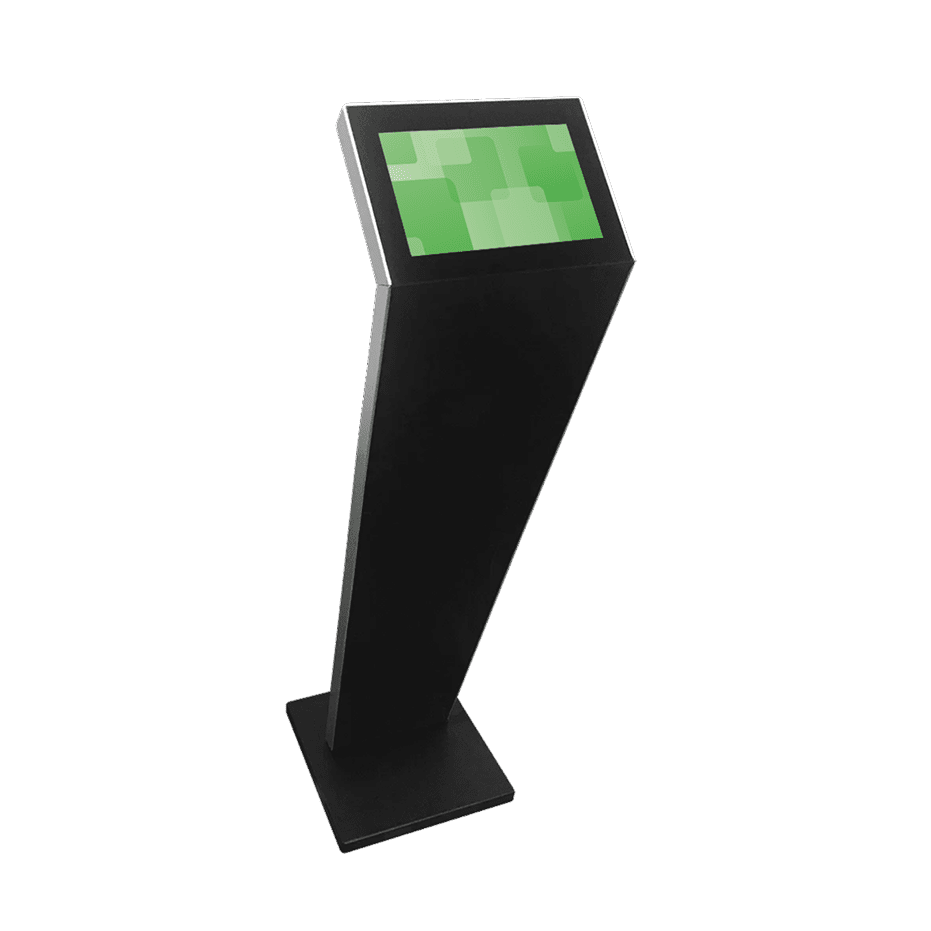
Compact Kiosks

Large Touch Screens

Sanitizer Stations

Photo Booths
Kiosk trade show solutions that make your brand impossible to ignore
Built for Every Environment
Trust in ruggedized, rated, reliable and robust devices of all shapes and sizes that perform flawlessly indoors or out.
Engage and Inform
Guide users through effortless, self-driven, interactive experiences or stream advertisements and promotions 24/7 on optically bonded, enhanced viewing touch screens.
Modular in Design
Easily configure, connect and scale devices to suit different locations, functions and use cases, while streamlining maintenance, serviceability and operational expenses.
Unapologetically Authentic
Fit any space with aesthetics and branding that drives emotional resonance and authentic connections to your true brand.
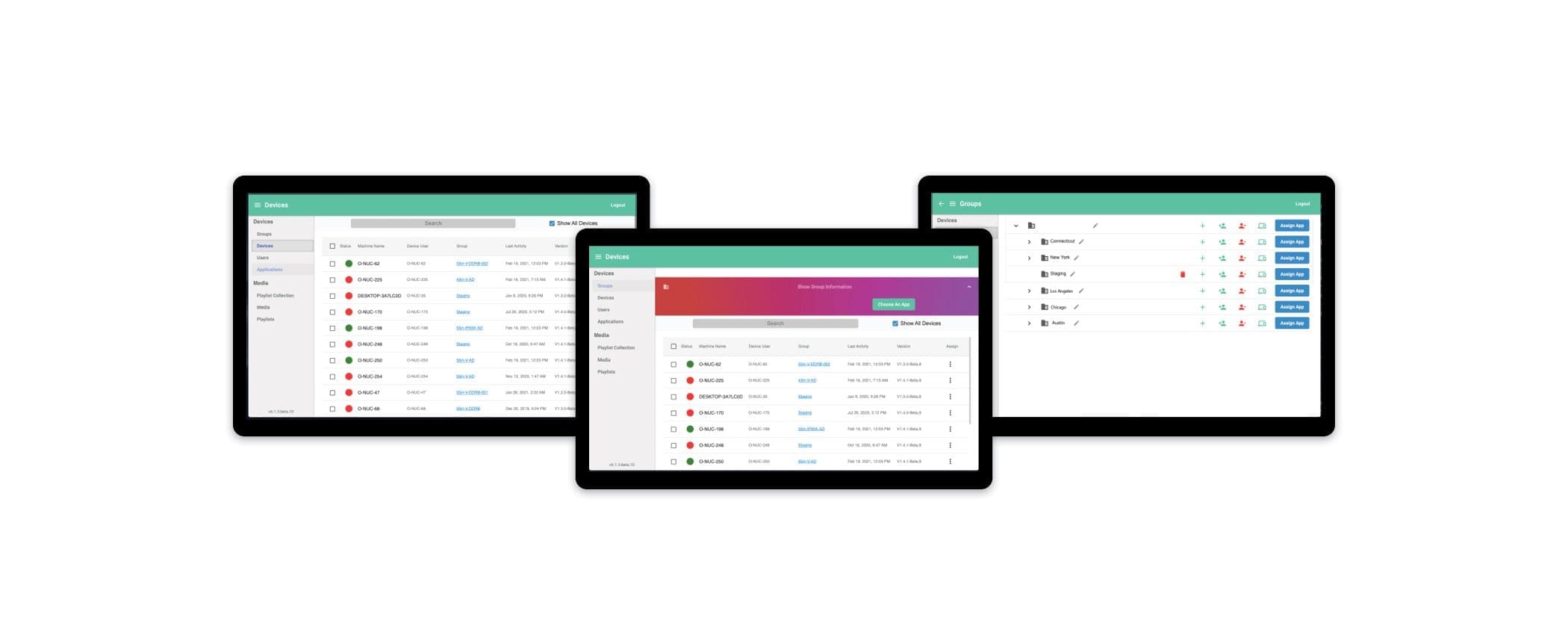
MetroClick Manager
Sync every screen, everywhere
Our hybrid CMS and DXP platform that seamlessly connects your digital experiences. Easily deliver omnichannel content using intuitive editing tools and templates to craft engaging customer interactions.
More Information
What Is a Trade Show Kiosk?
A trade show kiosk is a self-contained, interactive station built to run inside an exhibit booth: a touchscreen, a computer and content-management software packaged into an enclosure a booth can carry from show to show. Unlike a sign or a banner, it doesn’t just display a message, it lets a visitor act on it, browsing a catalog, watching a demo, filling out a form or scanning a badge. The hardware is built to survive repeated setup, teardown and freight between shows, not to live in one spot indefinitely.
Exhibitors use trade show kiosks to do work a booth staffer can’t do for every visitor at once: run the same polished product walkthrough for the fifth person in a row, capture a lead the moment someone’s still standing there, and keep the booth generating value during the lulls when foot traffic is light. The kiosk becomes part of the booth’s furniture, sized and branded to match, but its job is interaction, not decoration.
Trade Show Kiosk vs. Monitor Stand vs. Banner Stand
Booth vendors sell all three, and it helps to know what each one actually does before you build a floor plan around it.
| Monitor stand | Banner stand | Interactive kiosk | |
|---|---|---|---|
| What it shows | A single static image or looping video | Printed graphics only | Full interactive content: catalogs, demos, forms, video |
| Interaction | None, viewing only | None, viewing only | Touchscreen, visitor-driven |
| Lead capture | Not built in | Not built in | Built-in forms and badge scanning |
| Content changes | Requires a new file loaded on-site | Requires new printed panels | Updated remotely before or during a show |
| Reuse across shows | Limited; screen only, no content system | Limited; graphics wear and date quickly | Built for repeat use; content and graphics update independently of the hardware |
| Weight and transport | Light, but fragile without a case | Very light, rolls into a bag | Heavier; ships in a purpose-built flight case |
Fitting a Trade Show Kiosk to Your Booth Footprint
The right kiosk setup depends more on booth size and sightlines than on budget alone.
| Booth size | Recommended format | Why |
|---|---|---|
| 10×10 inline | One freestanding or portable kiosk | Floor space is tight and a single touchpoint keeps the aisle clear |
| 10×20 inline | Two kiosks | Enough depth to separate a walk-by touchpoint from a deeper demo station |
| 20×20 island | A video wall plus two or three kiosks | Four-sided visibility rewards a display that reads from a distance, backed by kiosks for one-on-one interaction |
Most inline booths run a freestanding unit from our touch screen kiosks range. Exhibitors working several cities in a season usually choose portable kiosks that ship in their own case. Island booths add an interactive video wall where the sightlines reward it.
Lead Capture and Badge Scanning at a Trade Show Kiosk
A kiosk built for lead capture puts a short form or a badge scan directly in front of a visitor while they’re already engaged with the content on screen, instead of asking a staffer to chase down contact details after the conversation has moved on. Fields can be kept short: name, company, what they’re interested in, so a visitor finishes in a few taps rather than abandoning a long form.
Captured leads export to a spreadsheet or feed into your CRM so your sales team can start follow-up while the show is still running, not two weeks later once someone finally transcribes a stack of badge printouts. We confirm the badge format your show’s registration vendor uses during setup, so the scanner on your kiosk reads it correctly from the first day of the show.
Transport, Setup and Reusing a Trade Show Kiosk Across Shows
Every kiosk we build for the show circuit ships in a flight case sized to survive freight handling and repeated loading between events. Setup is designed to be tool-less wherever possible, so booth staff can have the kiosk powered on before the rest of the booth is finished going up, and breakdown moves just as fast. Between shows, the content on screen updates through our content management system rather than a hardware swap, so a kiosk built for one show can run entirely different content or promotions at the next one. Graphics wraps around the enclosure update the same way, a new panel or vinyl skin rather than a new machine, keeping the unit looking current for a rebrand or a new product line.
Buying a Trade Show Kiosk for the Show Circuit
For an exhibitor doing one show a year, renting can make sense. Anyone working a multi-show calendar usually comes out ahead buying instead, since the hardware pays for itself once you count three or four events instead of resetting the meter with a new rental fee each time, and you’re not stuck with whatever configuration happens to be sitting in a rental fleet that week. If your need really is a single event or a one-off activation, our short-term event hire covers that without asking you to commit to owned hardware.
Trade Show Kiosk FAQs
How much does a trade show kiosk cost?
Cost depends on the format (portable, freestanding or video wall), screen size, and how much custom software or branding the project needs. The most reliable way to get a number is to send us your booth size and goals and get a quote built around those specs, rather than pricing off a generic unit.
What booth sizes do trade show kiosks work in?
Kiosks work in booths from a 10×10 inline up through a full island, though the format changes with the footprint. A single portable kiosk fits a small inline booth, while a 20×20 island has room for a video wall alongside several kiosks placed around the perimeter.
Can a trade show kiosk capture leads and scan badges?
Yes. Built-in forms let a visitor submit contact details in a few taps, and badge scanning captures attendee data directly at the kiosk. Records export so your sales team can follow up while the show is still running.
How does trade show kiosk content get updated between shows?
Content updates through the content management system rather than through new hardware, so the same kiosk can run different catalogs, pricing or promotions at each show. Graphics wraps on the enclosure update separately too, through a new panel rather than a new machine.
Should I buy or rent a trade show kiosk?
If you’re working more than two or three shows a year, buying usually costs less per show and gives you a kiosk built to your specs instead of whatever a rental fleet has available. A single event or a one-off activation is where short-term rental makes more sense instead.