
Digital Signage Company
Take your business to the next level with MetroClick’s digital signage solutions. Our touch screen kiosks are designed with the latest technology to provide your customers with an interactive and engaging experience.
Trusted by industry leaders to power better customer experiences













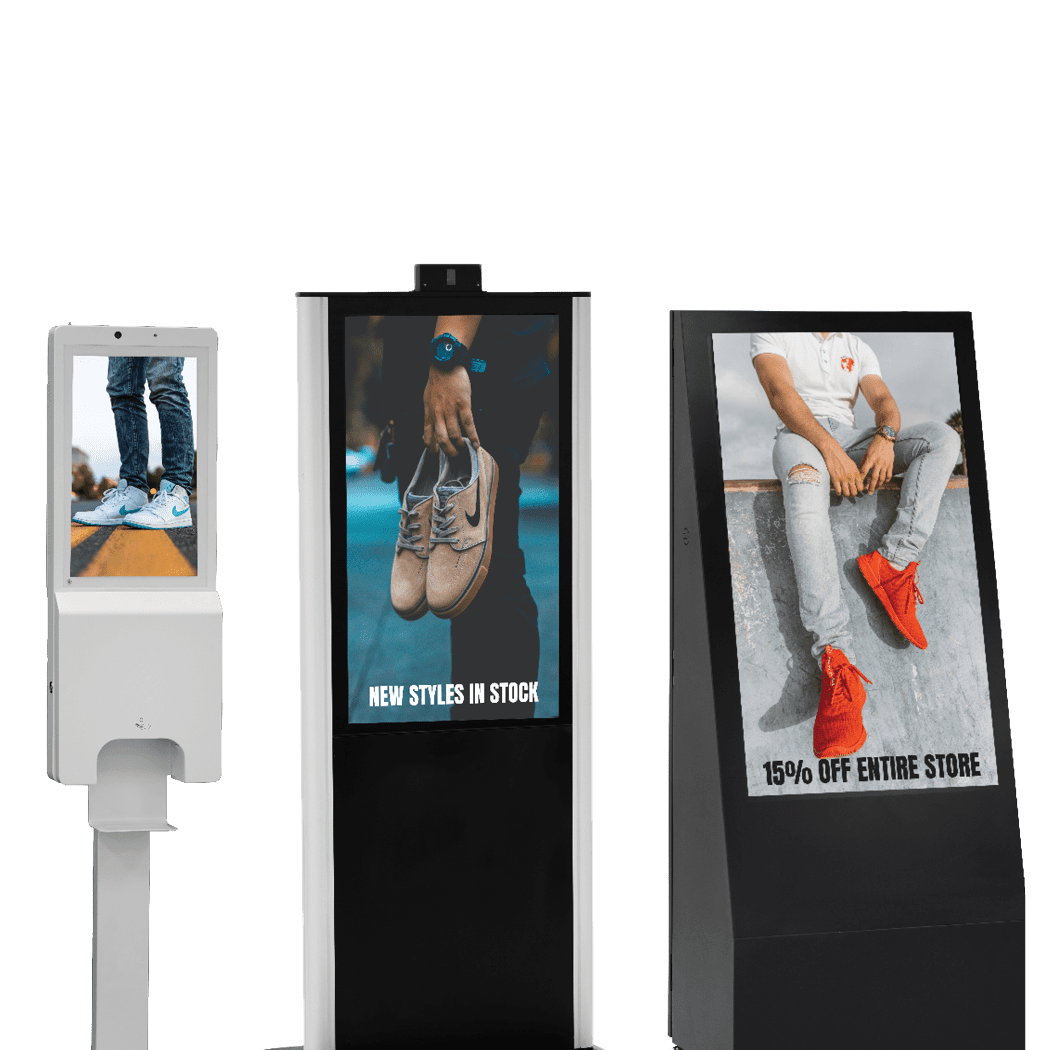
Strip-Type Displays

Digital Signage A-Frame

Large Touch Screens
Discover the versatility built into our digital signage products
Built for Every Environment
Trust in ruggedized, rated, reliable and robust devices of all shapes and sizes that perform flawlessly indoors or out.
Engage and Inform
Guide users through effortless, self-driven, interactive experiences or stream advertisements and promotions 24/7 on optically bonded, enhanced viewing touch screens.
Modular in Design
Easily configure, connect and scale devices to suit different locations, functions and use cases, while streamlining maintenance, serviceability and operational expenses.
Unapologetically Authentic
Fit any space with aesthetics and branding that drives emotional resonance and authentic connections to your true brand.
Industry applications for Digital Signage

Sports Arenas
Guide fans from parking to seats
Interactive paths that simplify navigation and amplify sponsor engagement

Healthcare Facilities
Simplify complex patient journeys
Real-time wayfinding that adapts to emergencies and staffing changes

Retail Spaces
Convert browsers to buyers
Shelf-edge experiences that bridge digital browsing and physical products
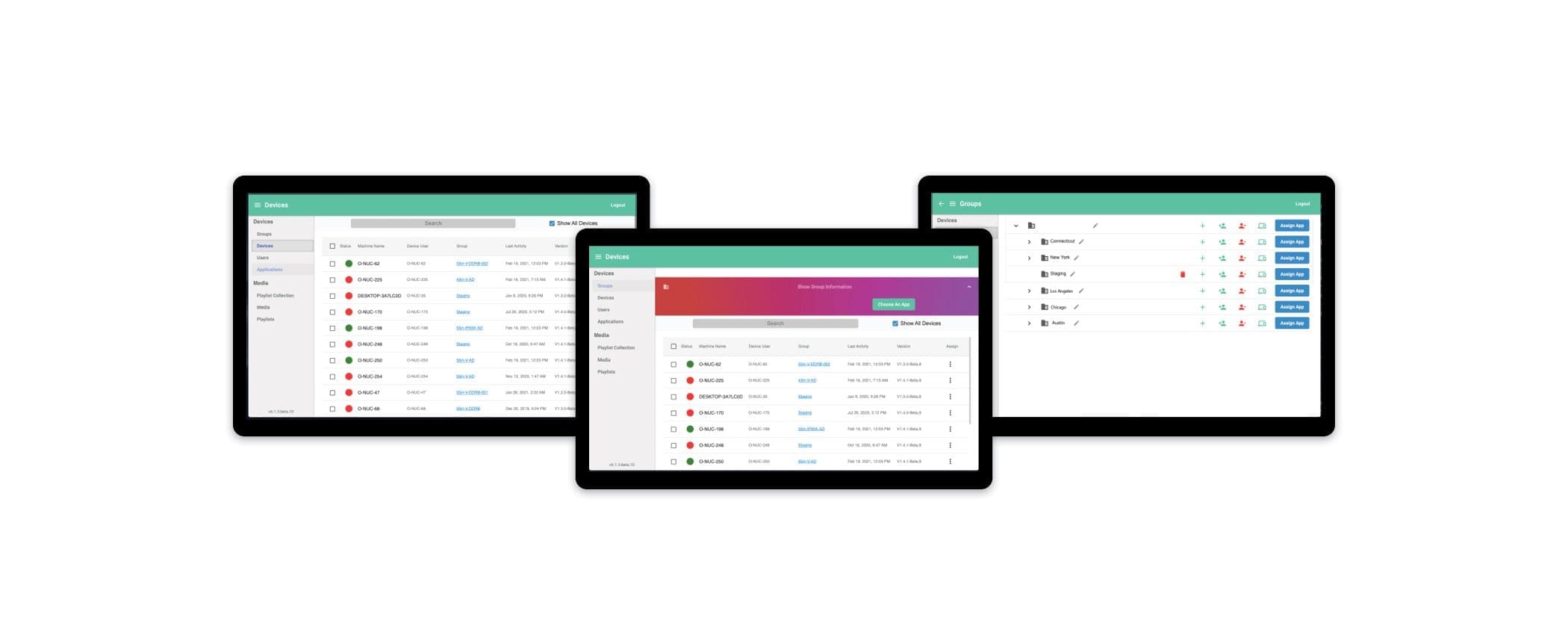
MetroClick Manager
Sync every screen, everywhere
Our hybrid CMS and DXP platform that seamlessly connects your digital experiences. Easily deliver omnichannel content using intuitive editing tools and templates to craft engaging customer interactions.
Other hardware options
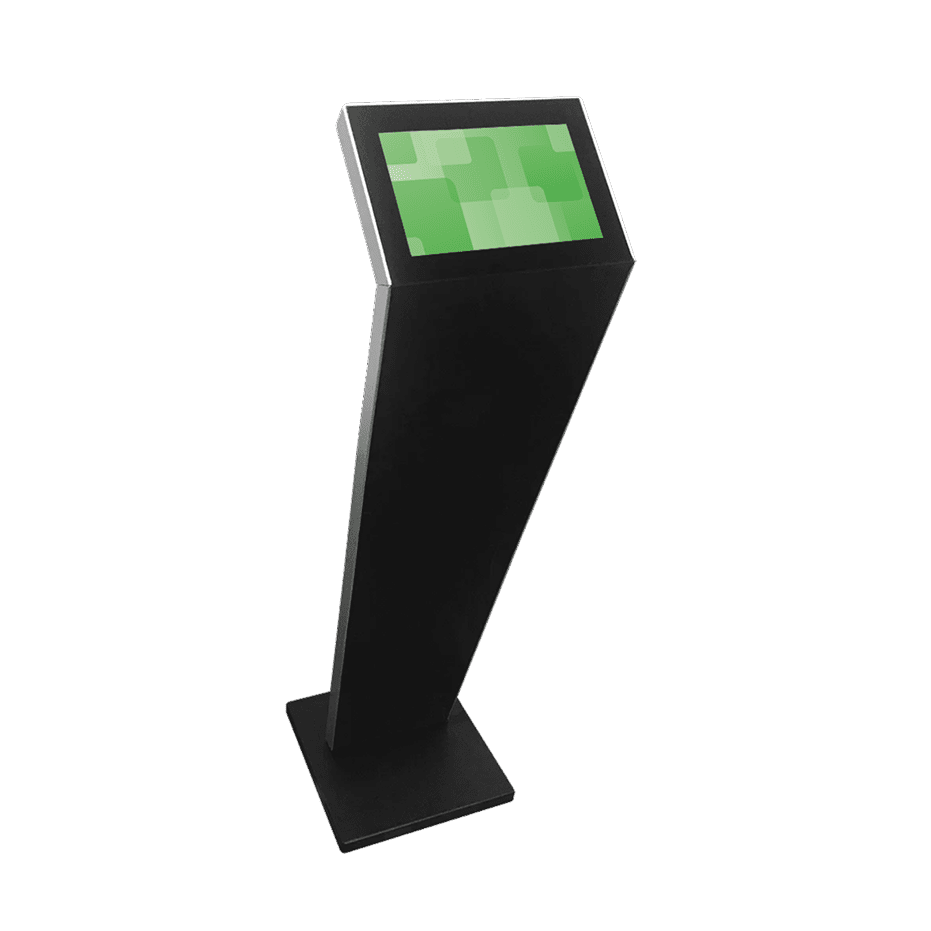
Small Format Kiosks
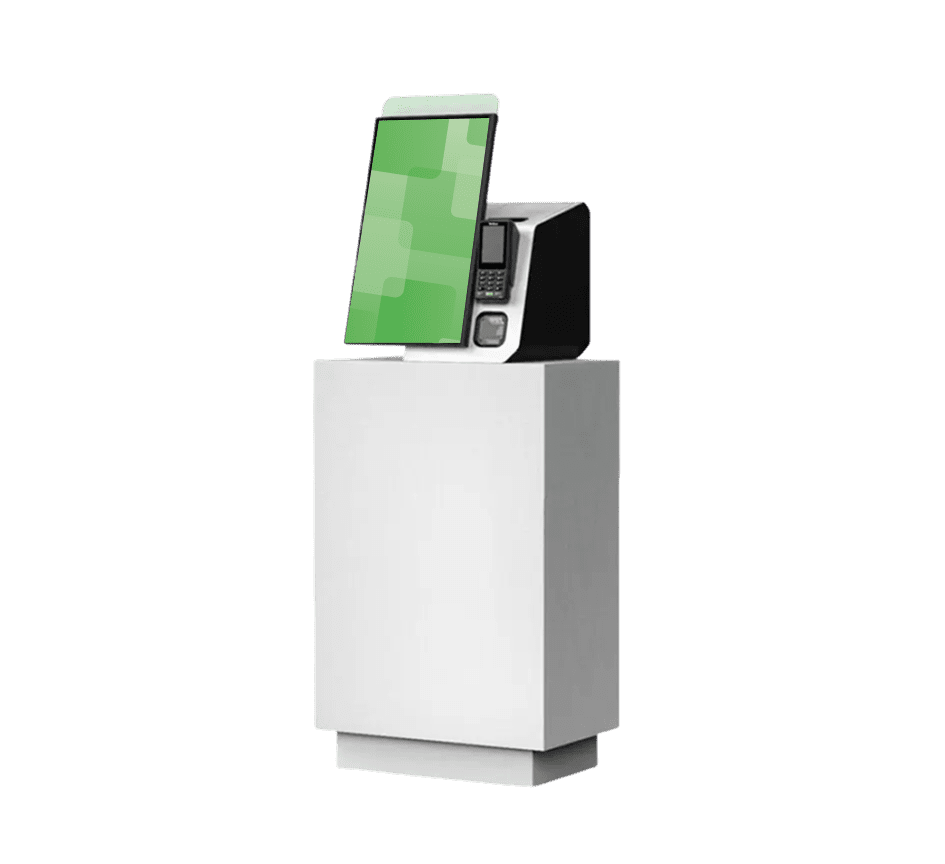
Transactional Kiosks
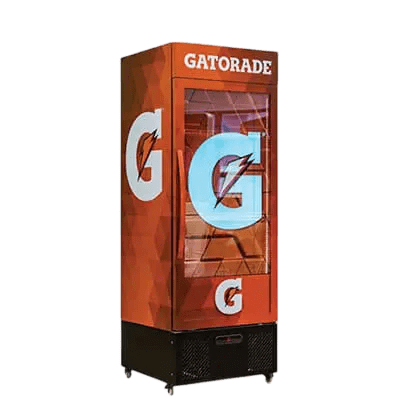
Immersive Kiosks
More Information
What Is Digital Signage?
Digital signage is a network of screens that display content controlled from software rather than printed and replaced by hand. A deployment has three parts: the display itself, a media player or built-in system-on-chip that drives it, and a content management system that schedules what appears and when. The display can be a single wall-mounted panel in a reception area or four hundred screens across a national estate; the difference is the management layer, not the hardware.
What separates it from a television showing a slideshow is control. Content changes by time of day, by location, by screen group, and by trigger — a menu board that switches from breakfast to lunch at 11am, a lobby display that shows arrivals in the morning and event listings at night, a rate board that updates when the underlying figure does. MetroClick builds the hardware, ships the software, and installs both, which is a deliberately different position from vendors who supply one and leave the rest to you.
Digital Signage Displays and Media Players
Commercial displays are built for duty cycles domestic televisions are not rated for — 16 hours a day, often 24, frequently in portrait orientation, and usually somewhere the public can reach them. They carry higher brightness, commercial warranties, serviceable metal chassis and standard VESA mounting. A consumer panel installed commercially is generally out of warranty from the day it goes up.
Formats range from 32-inch counter displays to 98-inch large-format panels and tiled video walls beyond that. Indoor digital signage is specified for interior light levels, while weatherproof displays use sealed enclosures with thermal management for exterior positions. Interactive requirements are served by large touch screens, and high-impact environments by interactive video walls. The media player is either external, embedded in the panel, or supplied as part of a managed appliance — the choice affects how the estate is updated and monitored more than what appears on screen.
Digital Signage Software and Content Management
The content management system is what turns screens into a signage network. It handles scheduling, playlists, screen grouping, user permissions and device status. Cloud-based management means a change made once propagates everywhere it should and nowhere it should not, without anyone visiting a site with a USB stick.
MetroClick Manager provides that layer, with a content management system for building and scheduling content, a software platform for managing devices, and reporting and analytics for uptime and playback verification. Integration matters as much as authoring: rate feeds, room booking systems, menu databases, queue systems and existing marketing platforms are all common sources, and pulling from them beats duplicating entry into a second system.
Running a Digital Signage Network Across Multiple Locations
One screen is straightforward. The engineering problem starts at forty screens across a dozen sites, and it is where consumer-grade tools stop being adequate. A workable multi-site setup lets a central team push network-wide content while a regional manager localises what is genuinely local, without either being able to overwrite the other.
Remote monitoring matters as much as content delivery. Knowing that a display went dark before a site manager reports it is the difference between proactive maintenance and a complaint, and across a large estate it is the single feature that determines whether the network still looks maintained in year three. Role-based access, audit logging of content changes, and device health reporting are the three capabilities worth confirming before committing to any platform.
Digital Signage by Industry
Requirements diverge sharply by environment. The hardware overlaps; the content model, the compliance constraints and the failure consequences do not.
Retail
Window-facing screens pull from the street, endcap displays carry promotions, and touch panels handle product lookup without occupying staff. See retail digital signage.
Corporate
Lobby directories, meeting-room schedules, visitor check-in and internal communications across floors and offices. See corporate environments.
Healthcare
Queue calling, department wayfinding and multilingual guidance, with content that reduces questions at a reception desk. See healthcare signage.
Hospitality
Arrivals boards, event listings, concierge information and property wayfinding across lobbies and function space. See hospitality.
Restaurants and Food Service
Digital menu boards that daypart automatically, price changes pushed across every location at once, and order-status displays. See restaurants and food service.
Financial Services
Automated rate boards, queue and wait-time messaging, and branch displays built to pass IT security review. See digital signage for banks.
Entertainment and Events
Venue wayfinding, sponsor recognition and short-run installations for trade shows and conferences. See events and entertainment.
Sports
Concourse wayfinding, concession menu boards and sponsor inventory across arenas and stadiums. See sports venues.
Transportation and Travel
Schedule displays, platform information and wayfinding in environments where the content is the service. See travel and transportation.
Industrial and Manufacturing
Production dashboards, safety messaging and shift communication on the floor, in hardware rated for the environment. See industrial.
Public Sector and Real Estate
Civic wayfinding and service information for public and urban spaces, and building directories and leasing displays for real estate.
How Much Does Digital Signage Cost?
There is no useful list price, because four variables move the figure more than the panel does: screen size and count, whether the position needs an enclosure or a bare panel, how much installation labour the location demands, and whether the order covers one site or forty. A 43-inch panel in an office corridor and a 75-inch freestanding unit in a public lobby are the same category and nowhere near the same cost.
Beyond hardware, a realistic budget includes the mount, CMS licensing per screen, installation and commissioning, and warranty or service cover. Those four are where projects most often overrun, because they are the parts a hardware-only quote leaves out. We quote line by line so each can be reviewed or removed — see digital signage for sale for how purchasing works, or event and temporary installations where the requirement is short-term.
The Drawbacks of Digital Signage
It is worth being straight about where it does not pay off. Digital signage carries a real upfront cost against print, and for a single sign that rarely changes, print is cheaper and will stay cheaper. It also introduces failure modes paper does not have: a screen can go dark, a player can drop off the network, and a display showing an error message is worse than no display at all.
It creates an ongoing content obligation. A network showing three-month-old promotions actively damages the impression it was installed to create, and organisations consistently underestimate who owns that work after launch. There is a maintenance burden too — panels have finite lifespans, mounts need occasional attention, and estates need someone accountable for uptime. The economics work where content changes, where the same screen serves multiple messages, or where the alternative is reprinting across many locations. Where none of those hold, print is the honest recommendation.
Digital Signage vs Printed Signs
Print wins on upfront cost, needs no power or network, and never fails in a way that draws attention. Digital wins wherever content changes, wherever one surface must carry several messages, wherever updates need to reach many locations at once, and wherever the content itself is the service — schedules, queues, rates, availability. The break-even is usually reprint frequency: an organisation reprinting the same signage quarterly across multiple sites generally reaches parity faster than it expects.
Digital Signage Company FAQs
What does a digital signage company actually provide?
It varies more than buyers expect. Some supply software only and leave hardware and installation to you; some resell panels with no content platform. MetroClick manufactures the hardware, provides the content management software, and installs and supports both, which means one contract and one point of accountability rather than coordinating three vendors.
Can you build a digital signage system yourself?
For one or two screens, yes — a commercial panel, a media player and an off-the-shelf app will work, and for a small single-site deployment that is a reasonable route. It stops scaling around the point where you need scheduling by location, role-based permissions, remote monitoring and someone to call when a screen fails in front of customers. The DIY route also tends to use consumer panels, which is where warranty problems begin.
How long does a digital signage installation take?
A single-site installation of a few screens is typically completed in one visit, including mounting, cabling, network configuration and content load. Multi-site rollouts are phased deliberately, with a pilot location first to establish a repeatable install spec, then scheduled waves matched to crew availability and site access.
What is the difference between digital signage and a smart TV?
Duty cycle, brightness, orientation rating, warranty and control. Commercial displays are rated for continuous operation, run brighter, are certified for portrait mounting, carry warranties that cover commercial use, and are managed centrally rather than set by set. A smart TV installed commercially typically voids its own warranty on day one.
Do you serve locations outside New York?
Yes. MetroClick is based in New York City with direct installation across the tri-state area, and deploys nationally for multi-site and enterprise rollouts. Send the site list and we will confirm coverage against it.